How to setup google adsense account for your wordpress website using site kit?
How to setup google adsense account for your wordpress website using site kit?
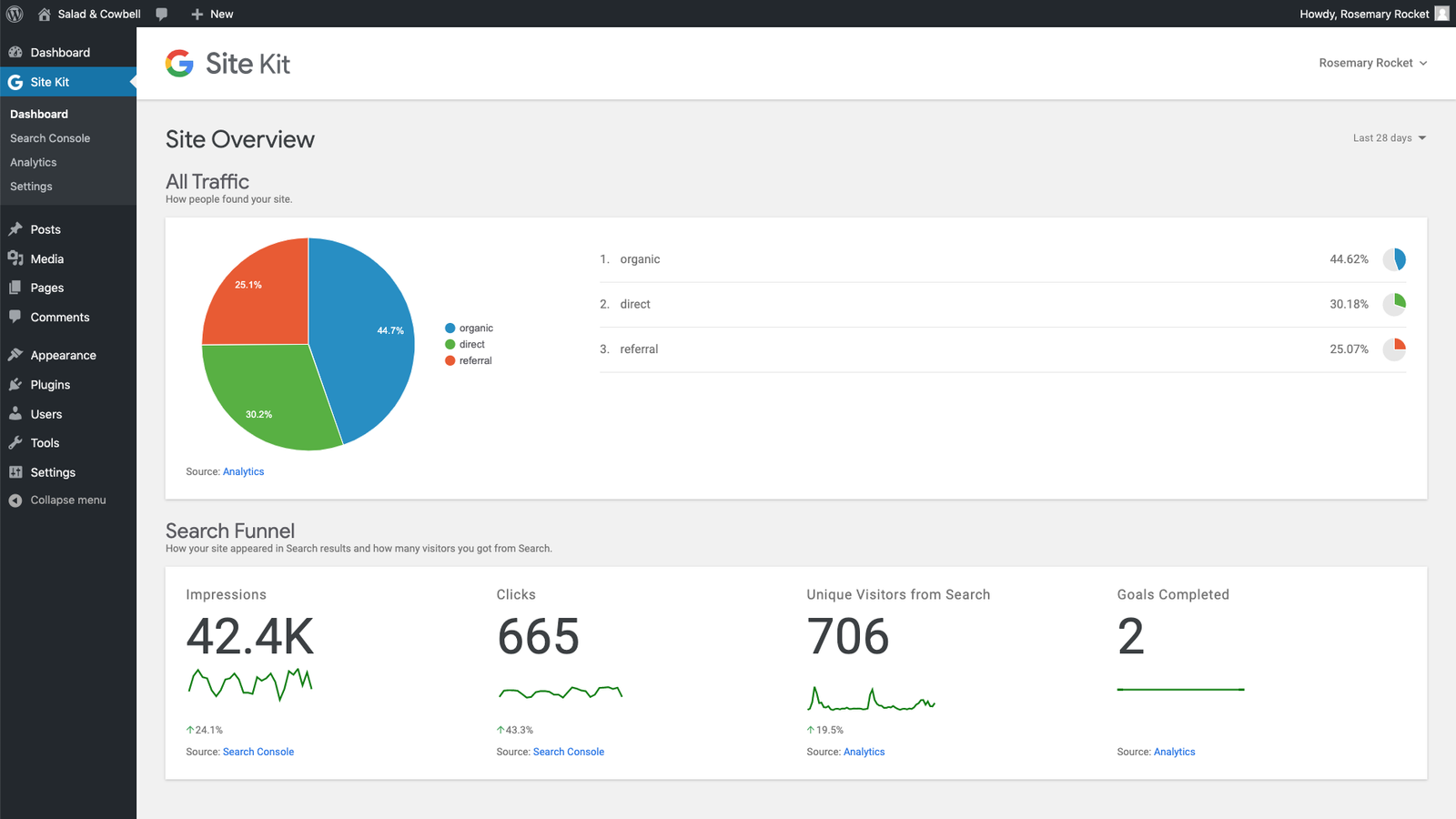
If you are using WordPress and want to monetize your website using Google AdSense, follow these simple step-by-step instructions.
- Log in to your WordPress Dashboard
- Go to Plugins → Add New
- Search for Site Kit by Google
- Install and activate the plugin
- Sign in with your Google account
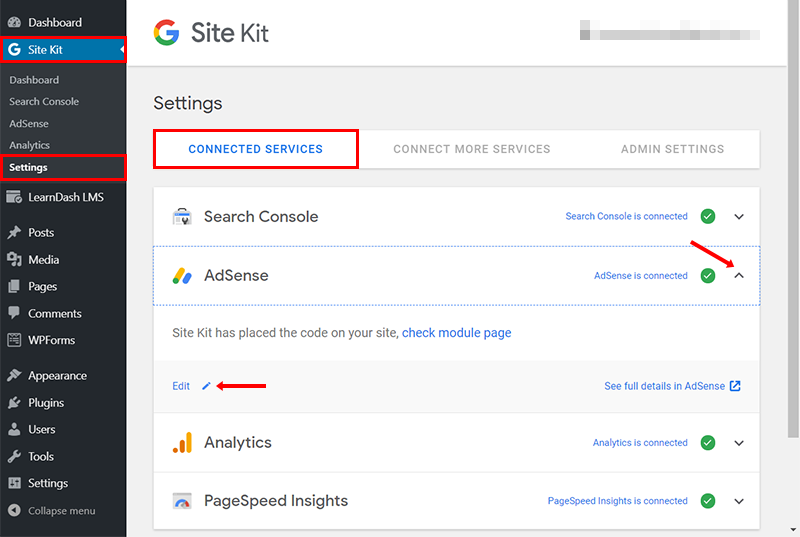
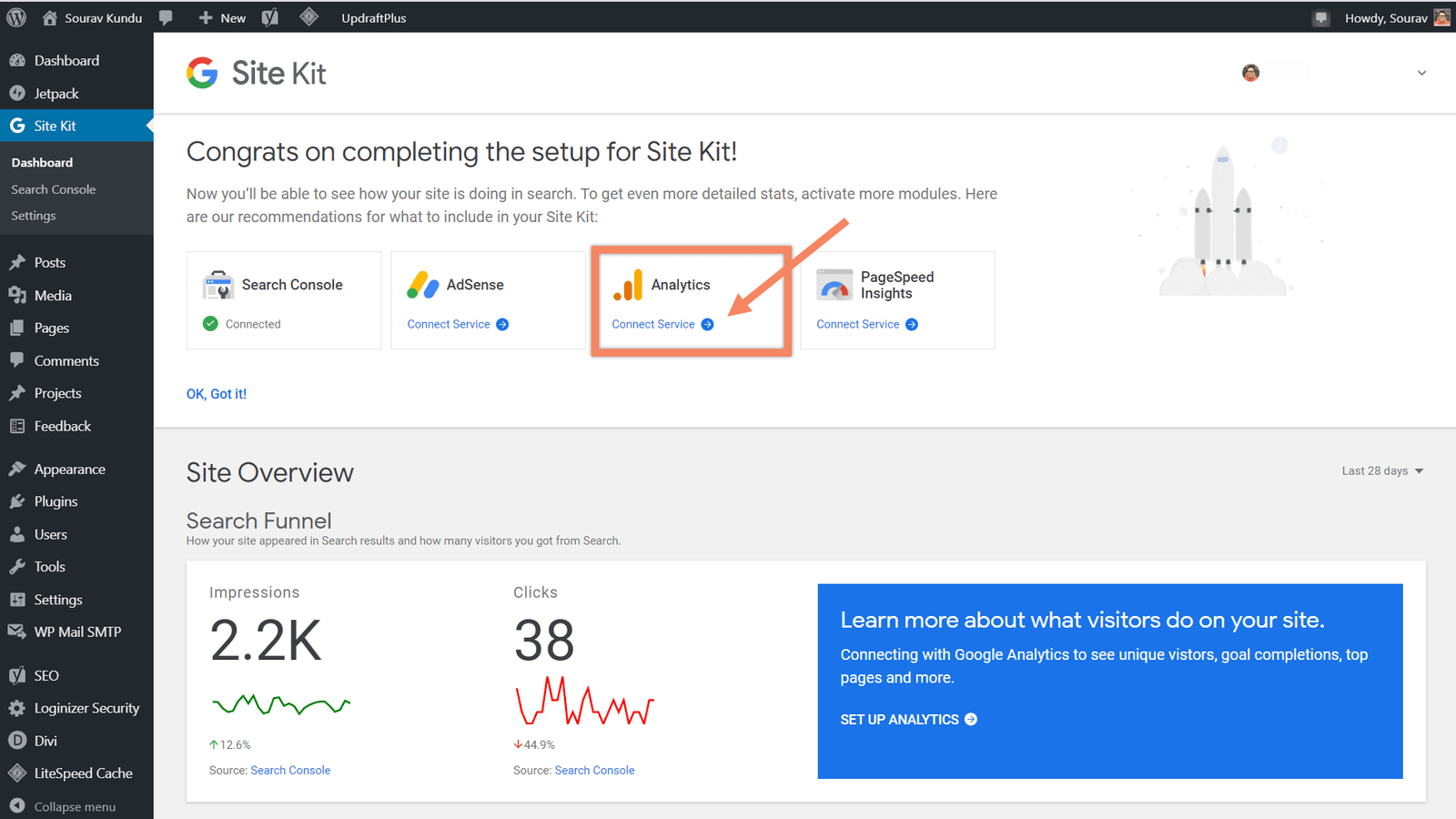
- Connect AdSense and complete the setup
Your Google AdSense account is now activated.
Step 1: Activate Site Kit Plugin & Create Google AdSense Account