Quick answer: Install and activate Site Kit by Google, sign in with your Google account, connect AdSense from the Site Kit dashboard, let it add the AdSense code to your site, then wait for AdSense to review and approve your website.
How to setup google adsense account for your wordpress website using site kit?
If you are using WordPress and want to monetize your website using Google AdSense, follow these simple step-by-step instructions.
- Log in to your WordPress Dashboard
- Go to Plugins → Add New
- Search for Site Kit by Google
- Install and activate the plugin
- Sign in with your Google account
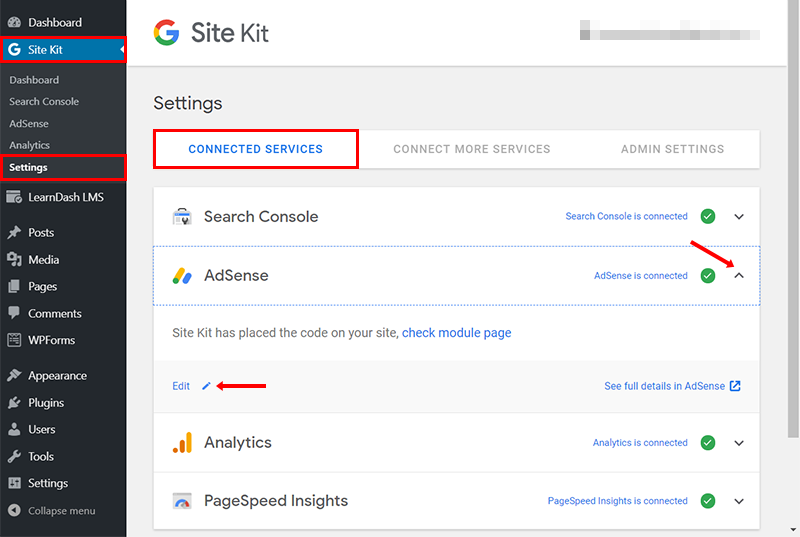
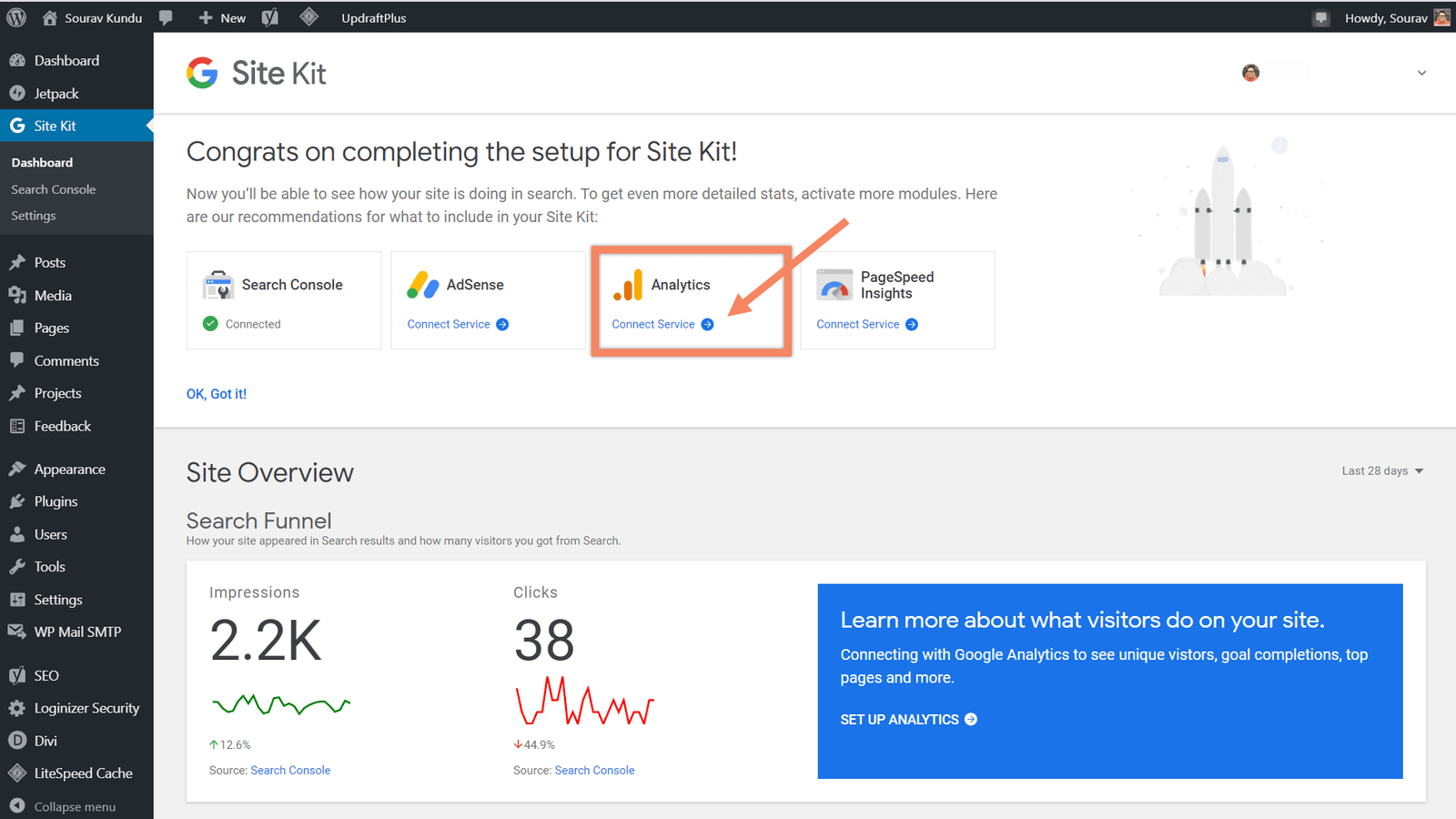
- Connect AdSense and complete the setup
Your Google AdSense account is now activated.
Step 1: Activate Site Kit Plugin & Create Google AdSense Account
Frequently asked questions
How long does AdSense approval take?
It can take from a few days to a few weeks. Make sure your site has useful original content and clear policy pages.
Why are ads not showing after approval?
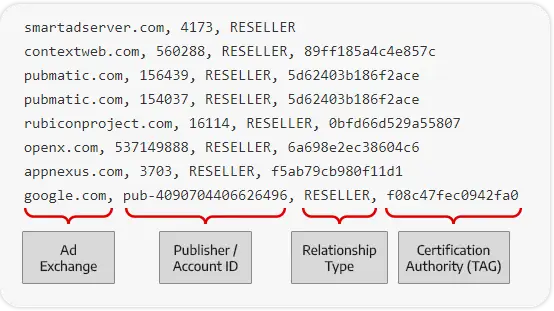
Check that the ads.txt file is set up, auto ads are on, and give it some time after approval.